

About the app
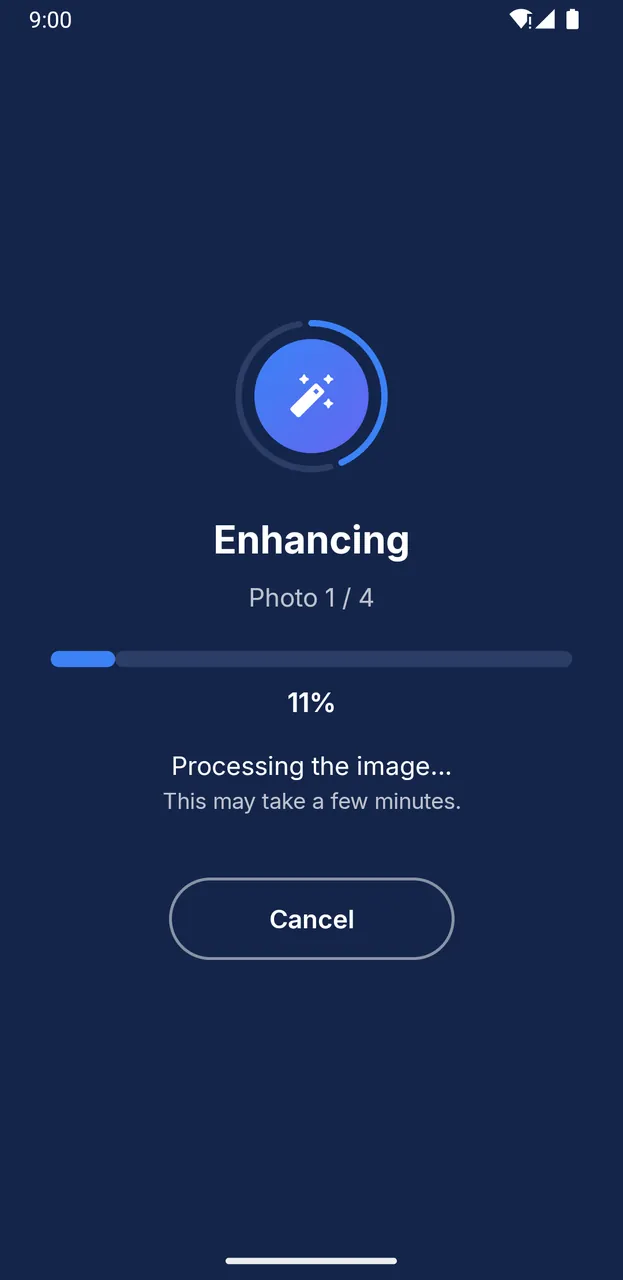
Upix enhances your photos directly on your device, with an artificial intelligence model built into the app. No photo is ever sent to a server, for processing or for anything else.
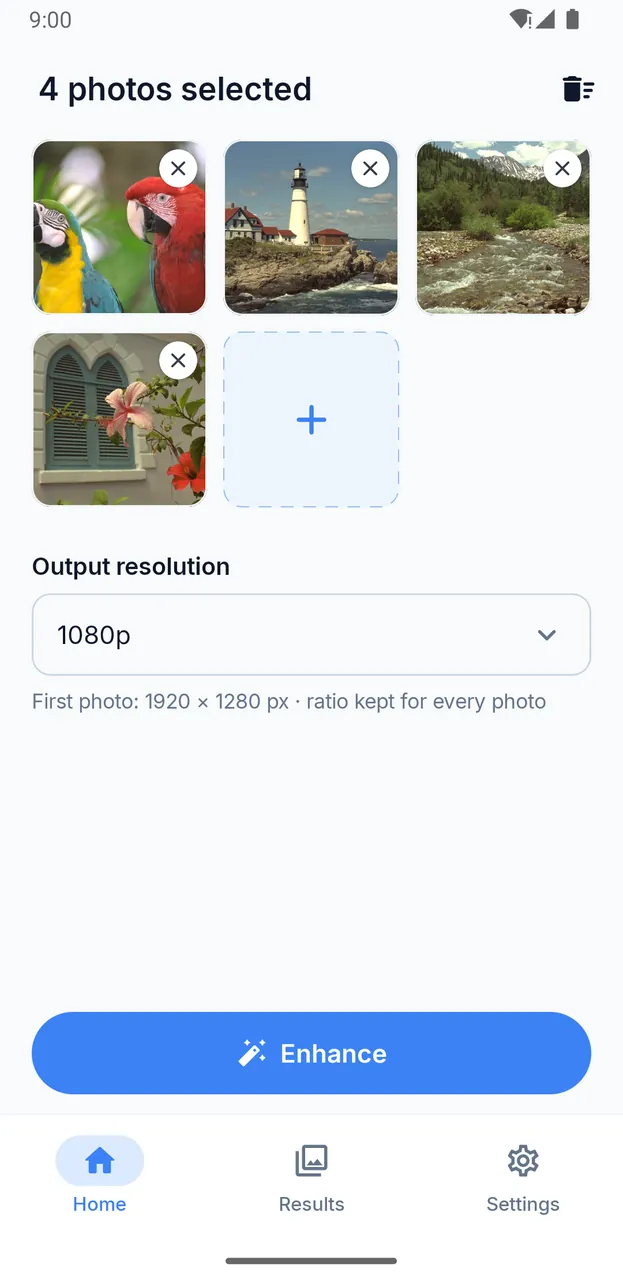
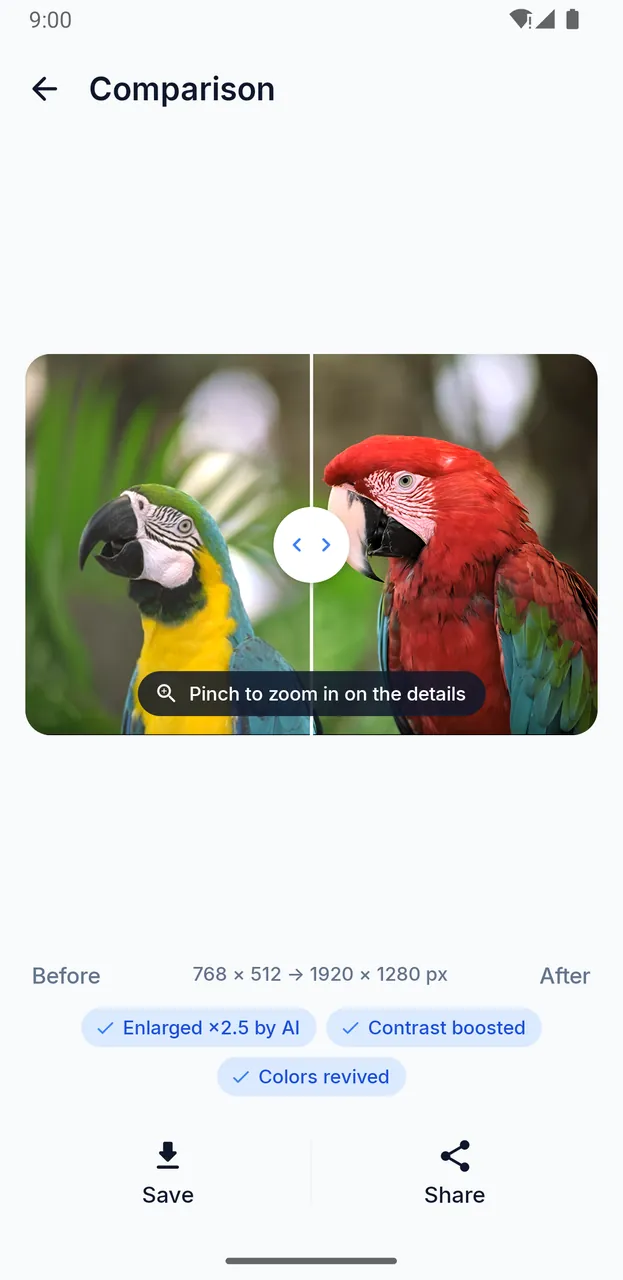
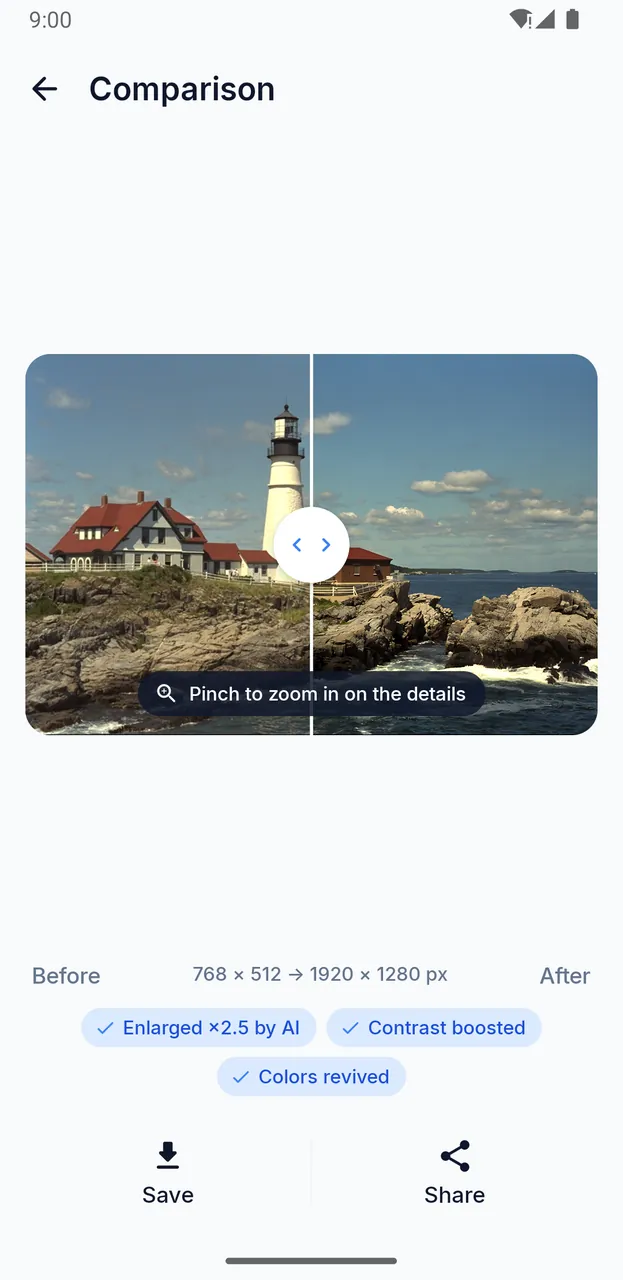
Select one or more photos from your gallery, choose the output resolution, then tap “Enhance”. A before / after slider then lets you compare, pinching to zoom in on the details.
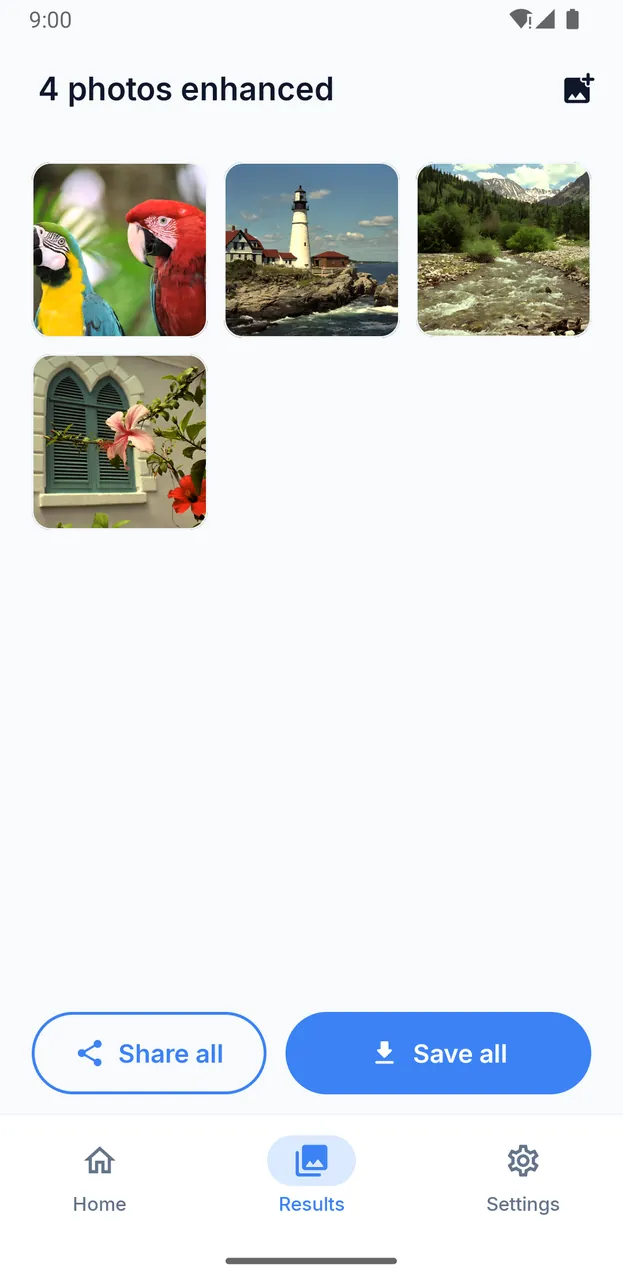
Your original photos are never modified: when you tap “Save”, a copy is added to your gallery (Pictures › Upix).
- Choose the output resolution: same size, 1080p, 1440p, 4K or custom. The aspect ratio of each photo is always kept.
- For each photo, the list of improvements applied: enlarged and details restored by AI, noise reduced, contrast boosted, colors revived, sharpened.
- In batches: several photos at once, to save or share all together.
- Three image quality levels: Maximum, High (nearly lossless) or Balanced (excellent quality, lighter files).
- Photo enhancement works offline.
- Free and funded by ads.
- In English and French, with a light theme and a dark theme.